


UIS™ Ecosystem Compatibility
Third-Party Integration
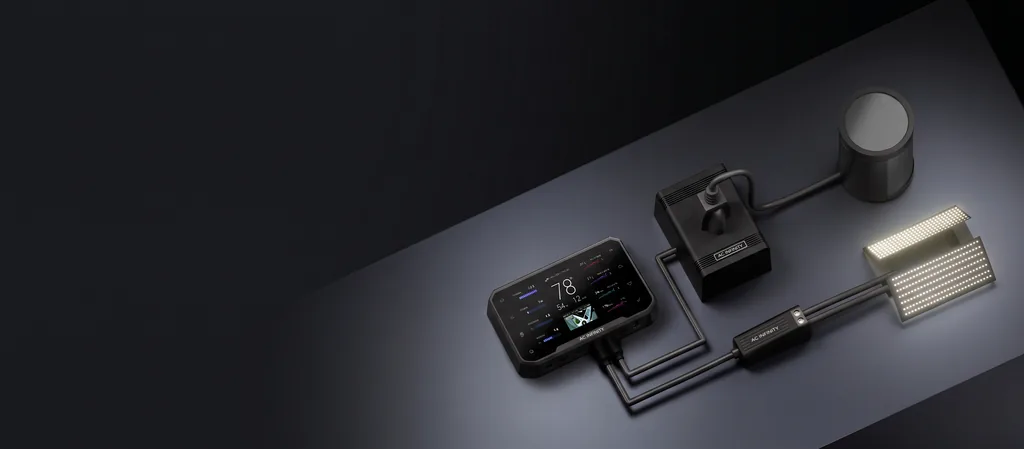
Bring your existing grow lights and outlet devices into the UIS™ platform. UIS™ Lighting Adapters and the UIS™ Control Plug connect third-party equipment to an AC Infinity smart controller, so they work alongside your grow devices to create the ideal environment for your plants.
Choose Your Adapter
Each adapter converts a third-party light's control input into a UIS™ port connection. Find your light in the compatibility list below to see which adapter it needs.
Dimming + Scheduling
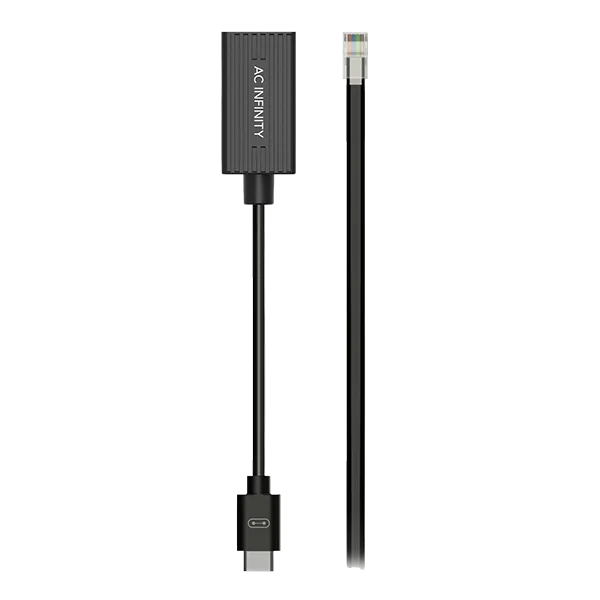
UIS Lighting Adapter Type A
For lights with RJ11/12 dimming ports. Gives your controller full intensity and schedule control.
Dimming + Scheduling
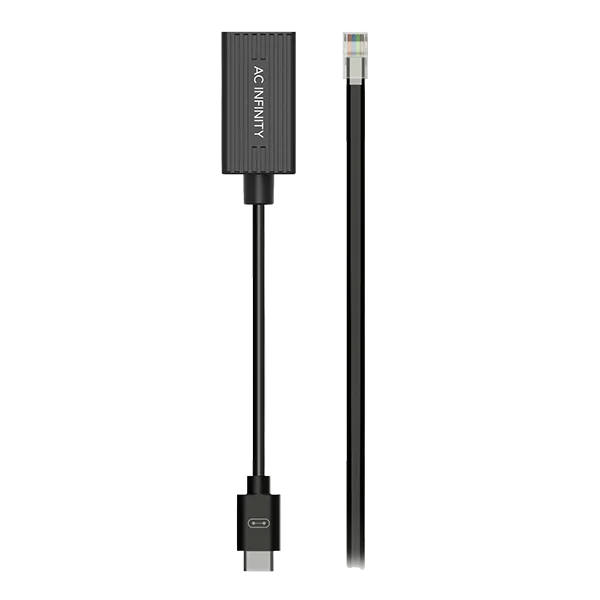
UIS Lighting Adapter Type B
For RJ11/12 connector lights with resistor dimmers. Gives your controller full intensity and schedule control.
Dimming + Scheduling
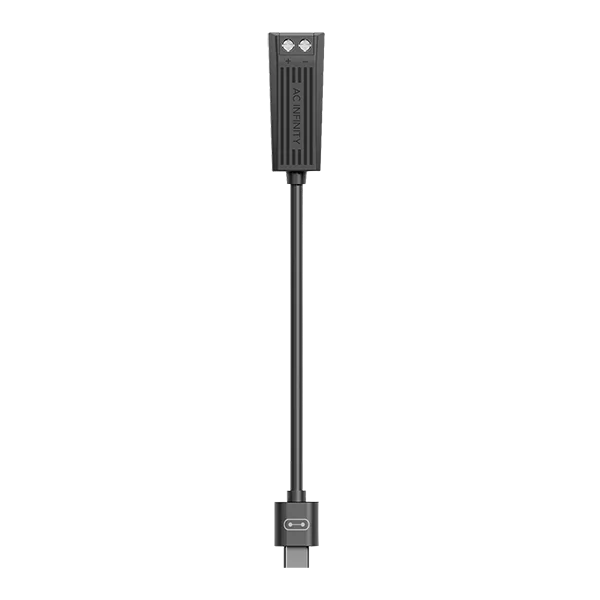
UIS Lighting Adapter Type D
For lights with drivers built with dimming control wires. Gives your controller full intensity and schedule control.
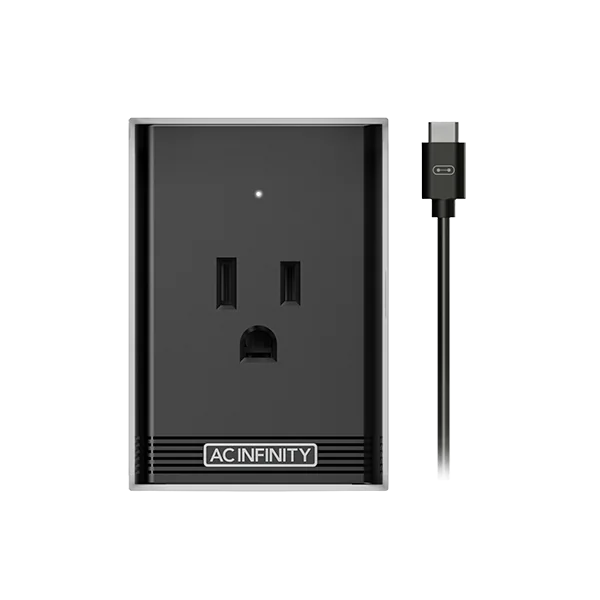
On / Off Scheduling
UIS Control Plug
Plugs between any outlet-powered light and the wall. Lets your controller switch it on and off by schedule or trigger.
Compatibility
UIS™ Lighting Adapters
How To Control Third-Party Lights
Connect your existing grow lights to an AC Infinity smart controller using a UIS™ Lighting Adapter or UIS™ Control Plug. Your lights will join the UIS platform of grow devices, all working together to create the ideal environment for your plants.
Compatible Third-Party Lights
Search by brand or series. Lights listed with the UIS™ Control Plug support on/off scheduling only; Type A and Type B adapters also support dimming.
No matching lights. Try another brand, or contact support to confirm compatibility.
Showing 85 of 85 lights
UIS™ Control Plug
Controlling Outlet Devices
Our UIS™ controllers can provide intelligent programming to your existing outlet devices using our UIS control plug. Connect your favorite grow devices like humidifiers, dehumidifiers, heaters, and air conditioners to integrate them into the UIS platform while equipping them with smart programming and app control.
Connecting your outlet device using this socket adapter will only enable on/off control.
Only devices that automatically start functioning when plugged in are compatible. Devices that require an additional button press or switch flip cannot be controlled, since the power button will override any power controls.
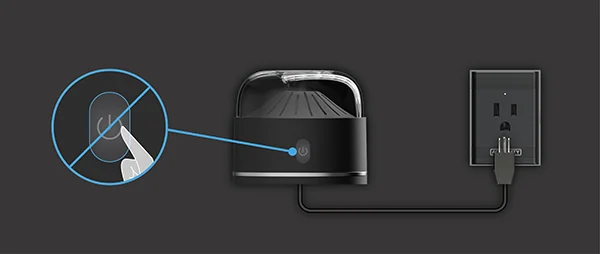
Examples Of Compatible Outlet Devices
No matching devices. Try another brand, or contact support to confirm compatibility.
Showing 15 of 15 devices
This is not an exhaustive list of compatible devices, just the ones we've tested. More brands and models to be added soon. All brands listed above are registered trademarks of their respective companies. AC Infinity does not claim any affiliation with these brands.
Connecting To Controller 69 Pro
Plug the UIS control plug into an AC power outlet and connect it to a smart UIS™ controller like CONTROLLER 69 PRO (or later) using its included extension cord. Plug your outlet device into the control plug's power socket to complete the installation. Your outlet device will work with any of our smart controllers out of the box.
Quick Start Set Up
Before setting any smart programming, establish these parameters so your outlet device functions properly.
- Set OFF Mode level to 0.
- Set ON Mode level to 1.
Setting OFF Mode to 0 lets your outlet device shut off properly. Any ON Mode level over 0 activates the device; setting it to 1 turns it on without delay. Once complete, apply Auto Mode climate triggers (opens in a new tab) or time-based programming (opens in a new tab).
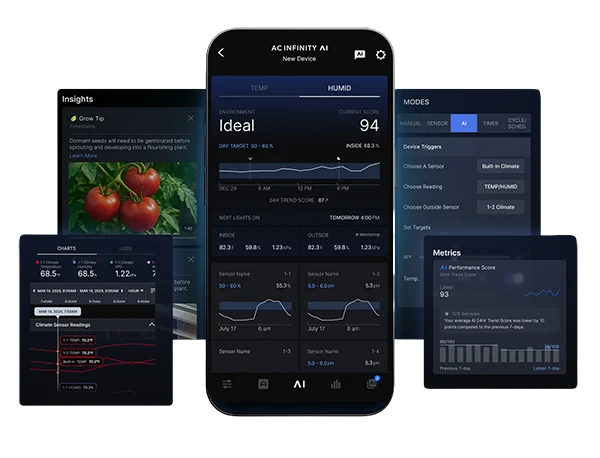
AC Infinity App
Monitor And Control From Anywhere
Our WiFi-enabled smart controllers allow you to monitor and control your grow on your phone from anywhere while providing data charts and alert notifications via the AC Infinity app.
Policy Statement
Third-Party Compatibility
Compatibility is based on manufacturer specifications and in-house testing. Third-party manufacturers may change their hardware without notice, which can affect adapter compatibility.
The AC Infinity Product Warranty covers AC Infinity adapters and controllers only. Third-party lights remain covered by their original manufacturer's warranty.
Device Not Listed?
Contact our support team to confirm compatibility before purchasing an adapter.


